Installation
Applies to version: Version 2.x / 3.x
The installation of SimpleSYN Mobile is done in a few easy steps. A wizard will guide you through the installation.
To install SimpleSYN Mobile proceed as follows:
- Start the computer on which you want to install SimpleSYN Mobile.
- Download SimpleSYN Mobile from the website:
https://www.simplesyn.net/en-us/downloads - Double-click the downloaded setup file “SimpleSYN_Mobile.exe” to start the installation.
- Follow the instructions of the setup dialog.
Administrator privileges are required for installing SimpleSYN Mobile
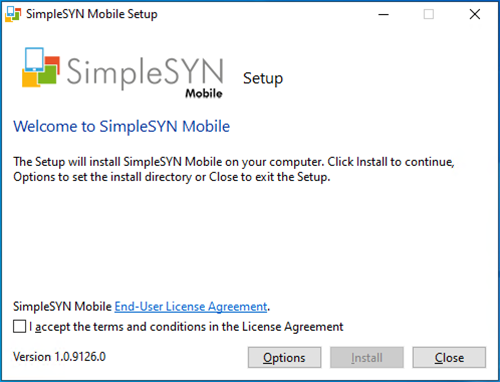 Figure 1: Installing SimpleSYN Mobile