Activating SimpleSYN
Applies to version: Version 7.x
Continued use of SimpleSYN after the trial expiration requires the purchase of a license.
The license file will be sent to you by our partner Digistore24 GmbH.
To activate SimpleSYN:
- Save the license file to your computer (e.g., on the desktop).
- Open the SimpleSYN main window and click on “Activate” under the “Information” section, or in the dialog shown during the trial period.
- Select the license file you previously saved to your hard drive.
If the license file is valid, SimpleSYN will be unlocked as the full version.
Alternatively, you can double-click the license file – it will then be automatically imported and activated in SimpleSYN.
Do not modify your license file, as it may become invalid.
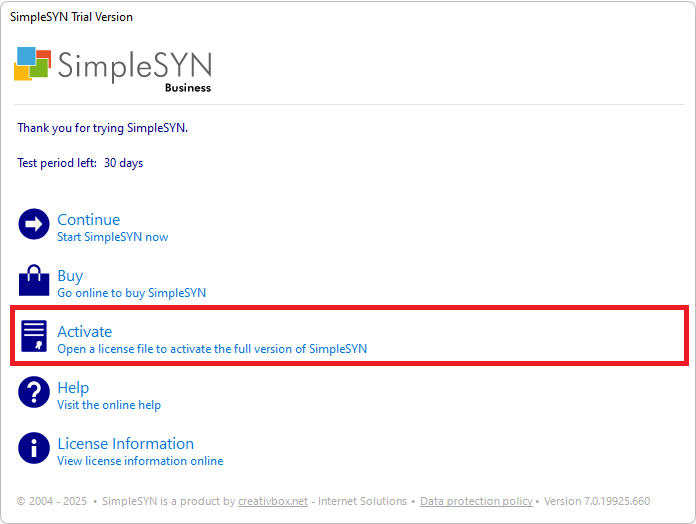 Image 1: Activate SimpleSYN