Automatic updates
Applies to version: Version 7.x
By default, SimpleSYN checks once a day whether a newer version of SimpleSYN is available.
Available updates are displayed in the "Information" tab. Click "Install Update" to get the latest improvements immediately.
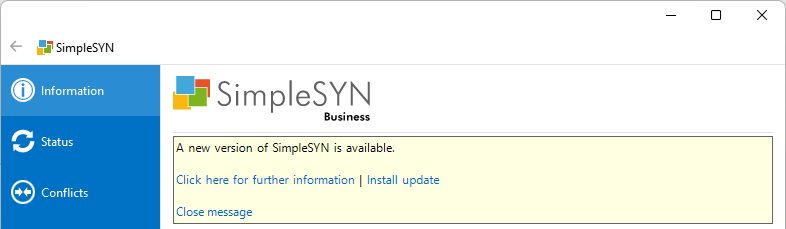 Image 1: Update notification
You can also perform the check for updates manually. When you press the “Alt” key on the keyboard in the application, the file menu appears. Click "Help -> Check for updates" to start the manual update check.
In the „Options > advanced Options“ tab you can enable or disable the check for updates.
An Internet connection has to be available for checking.
No personal data is being transferred during checks for updates.
Note on new major versions:
Licenses are offered as a one time payment. There are no additional costs per month/year. The license entitles you to use the licensed version (e.g. version 6.0). Minor updates within this version (eg version 6.0 to version 6.0.1 etc.) are included free of charge. Upgrading to a new major version (e.g., from version 6.x to version 7) is subject to a fee but is, of course, optional.